01
Story Timeline & outline
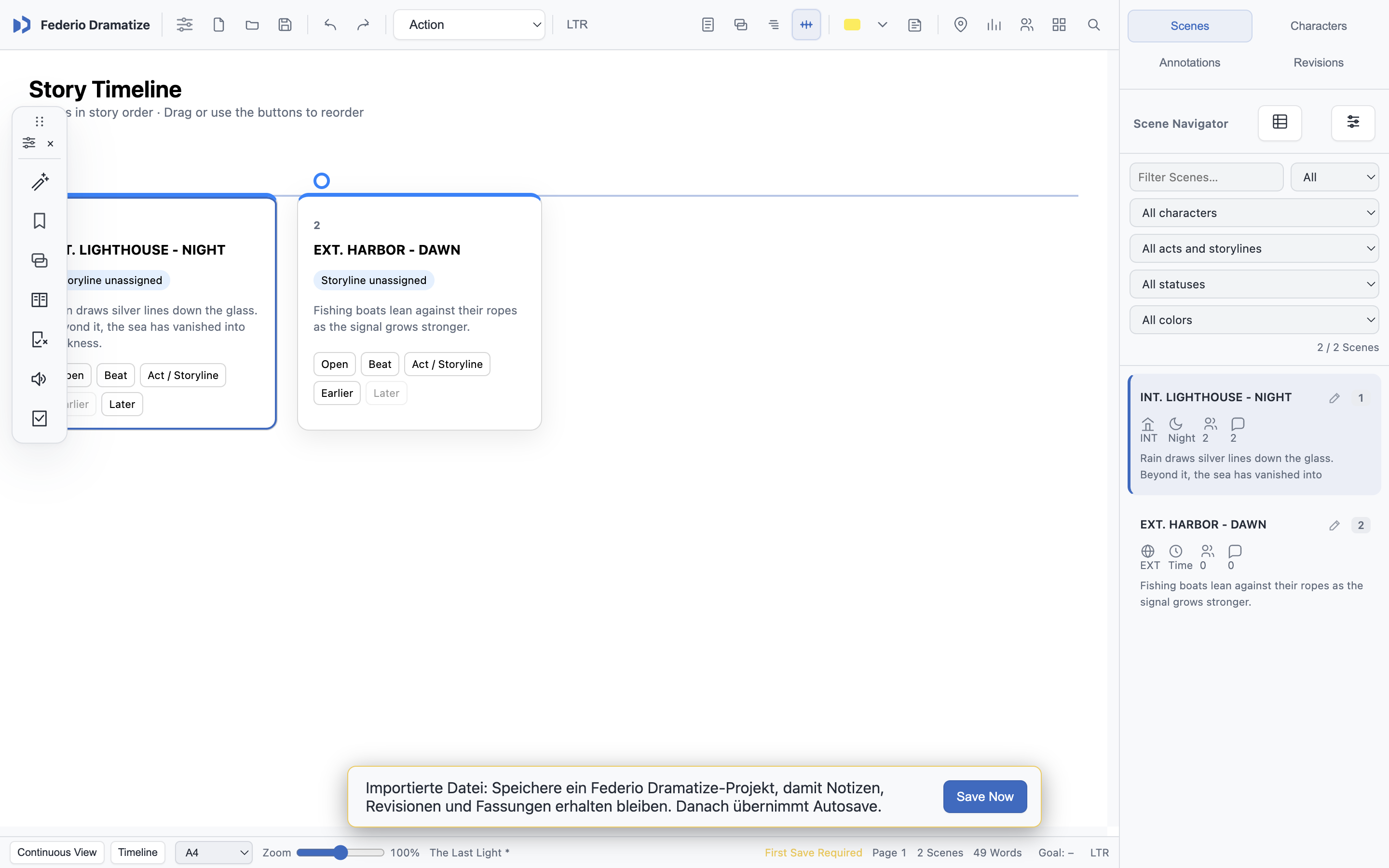
Arrange acts, storylines and beats. Follow your position across the timeline, index cards, outline and screenplay pages.
02
Scene navigator
Filter and inspect scenes by location, time, characters, notes and production status.
03
Revision workflow
Compare revisions, track changed lines, finalize revision sets and create dedicated revision-page PDFs.
04
Production reports
Generate screenplay breakdowns, production reports, scene statistics and character-focused reports.
05
Dialogue tools
Navigate dialogue by character, review speaking parts and use Table Read for a practical script pass.
06
Autosave & recovery
After the first manual save, Federio Dramatize protects the document with autosave, rolling backups and crash recovery.
07
Title page & print
Create a proper title page, preview the finished document and produce clean Letter or A4 PDFs.
08
Professional exchange
Import FDX, Fountain, PDF, DOCX and RTF, and export to the formats used in professional screenplay workflows.
09
International scene intelligence
Recognize numbered and localized headings such as SÉQUENCE, SEC., CENA and production formats used in Spanish, French, Brazilian and RTL scripts.
10
Language-aware typography
Bundled Noto Naskh Arabic, Noto Nastaliq Urdu and Noto Sans Hebrew keep scripts legible without extra font installation.
11
Named drafts & recovery
Keep project snapshots, rolling backups and crash recovery separate from the live production revision workflow.
12
Flexible workspace
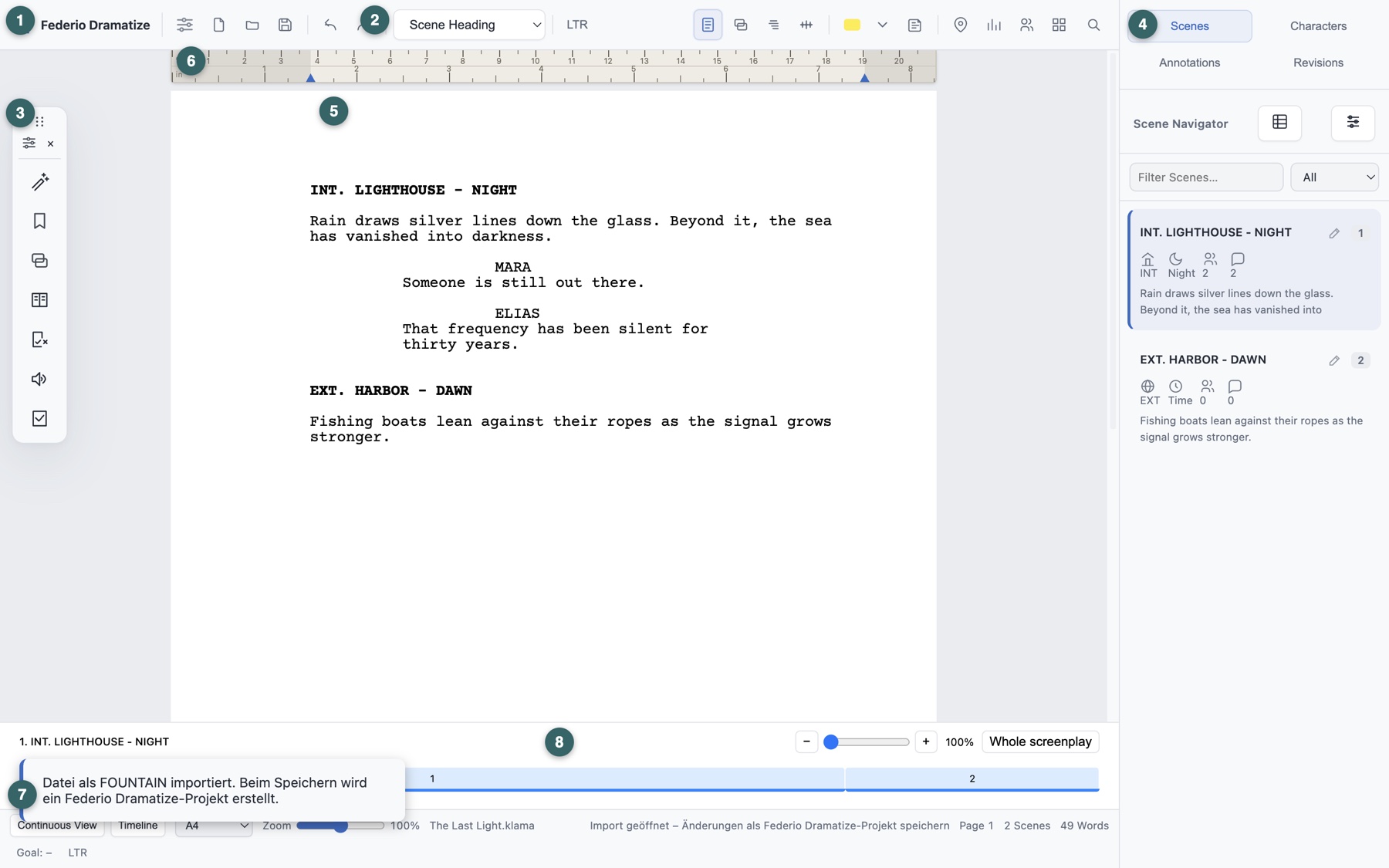
Choose light, dark or system appearance, move the sidebar, zoom the document from 50% to 150% and work in page or continuous view.
13
Local collaboration
Share screenplay text, notes and story beats over the local network. Guests join in a separate window and can save a local copy when leaving.
14
Reliable project opening
Open compatible .klama files across app updates, with a safe English fallback when the system language is unavailable.